

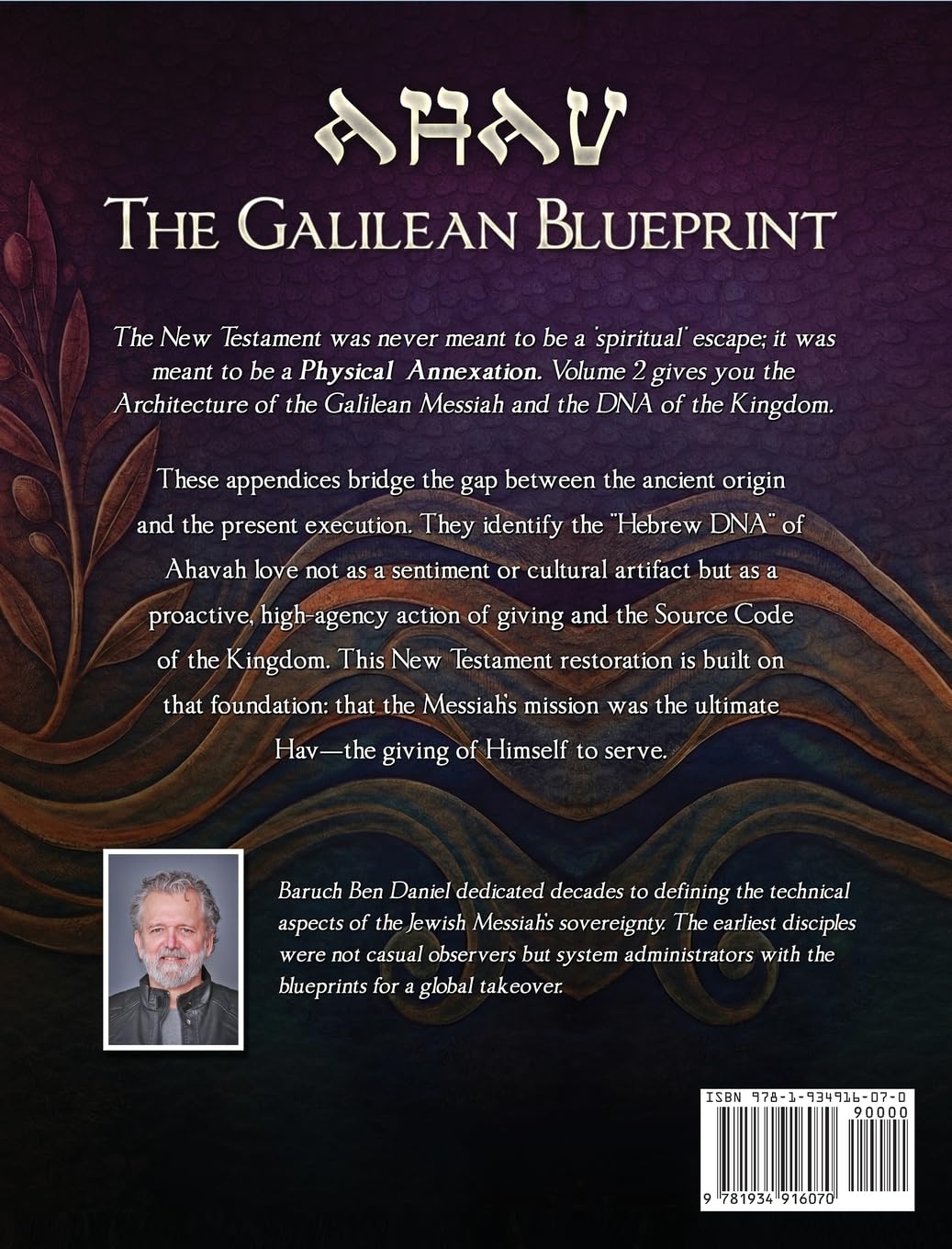
Description
How to Download Your Purchased Product (Step-by-Step Guide)
1. Order Confirmation
After completing the payment, you will see an Order Confirmation page.
If your payment is successful, Website will automatically generate your download links.
You will also receive:
– An order confirmation email
2. Go to “My Account” Section
Visit our website and open the My Account page.
(Example URL: https://ahavbible.com/my-account/)
If you are not logged in:
– Enter your email and password
– Click Login
3. Open the “Downloads” Tab
After logging in, you will see different tabs like:
– Orders
– Downloads
– Addresses
– Account Details
Click on Downloads.
4. Download Your File
Inside the Downloads tab, you will find:
– Your purchased product name
– A Download button
– Just click on Download, and your EPUB file will start downloading to your device.

Reviews
There are no reviews yet.